

Accessibility has been a legal obligation for UK organisations for well over a decade. But in 2026, the conversation has shifted from awareness to accountability. For L&D leaders, HR teams and compliance managers, that shift has a direct consequence: the digital training content you commission, host or deliver to employees is now part of the accessibility picture, and the regulatory environment is tightening around it.
This article explains the current UK legal framework, what WCAG 2.2 AA compliance means in practice for eLearning content, and the steps your organisation can take to reduce legal and reputational risk.
The UK's dual accessibility regime in 2026
The UK operates what Disability World describes as a dual digital-accessibility regime. Two frameworks sit side by side and together define what an organisation owes a disabled user.
The first is the Equality Act 2010, a universal anti-discrimination statute that consolidated and replaced the Disability Discrimination Act 1995. It applies to all organisations providing services, including digital services, in England, Scotland and Wales. The second is PSBAR - the Public Sector Bodies (Websites and Mobile Applications) (No. 2) Accessibility Regulations 2018 - which transposed the EU's Web Accessibility Directive into UK law before Brexit and survived withdrawal as retained EU law.
As Disability World explains, PSBAR is the prescriptive technical regime for public bodies, while the Equality Act is the universal duty that applies to everyone, public or private, that provides a service. The two work in tandem.
WCAG 2.2 AA: the established public sector baseline
For public sector organisations, the standard is clear. YUDU Publisher's 2026 analysis confirms that UK public sector websites and mobile applications are required to meet WCAG 2.2 Level AA under PSBAR. These regulations apply to central government, local authorities and a wide range of publicly funded bodies.
Compliance is actively monitored by the Government Digital Service (GDS), with regular testing and published reports. YUDU notes that in 2026, accessibility for public sector digital content is no longer an emerging requirement but an established and enforced standard.
Alongside technical compliance, public sector organisations must publish and maintain an accessibility statement, explain any known accessibility issues, and provide a way for users to report problems or request accessible alternatives.
For L&D teams working within or supplying to the public sector, this matters directly. Any digital publication or eLearning module supplied to, hosted for, or embedded within a public sector platform is expected to meet these requirements. Accessibility is not just a platform concern - it is a content and publishing workflow issue.

What the Equality Act means for private sector eLearning
If your organisation sits outside the public sector, the Equality Act 2010 is the primary legal mechanism through which accessibility obligations arise. WebYes summarises this clearly: the Act applies to anyone providing services to the public and requires them to make reasonable adjustments to ensure disabled people are not placed at a substantial disadvantage.
Critically, YUDU's analysis makes clear that the Equality Act does not mandate compliance with a specific technical standard such as WCAG, and there is no standalone UK regulation requiring private sector organisations to meet WCAG 2.2. However, WCAG standards are frequently used as a benchmark when assessing whether a reasonable adjustment has been made.
For employers, this has a practical implication. If a disabled employee cannot access mandatory compliance training, onboarding content or professional development modules because those materials have not been designed accessibly, the organisation may be failing its duty under the Act. The training content itself becomes the point of potential liability.
WebYes notes that over 16 million people in the UK live with a disability - around a quarter of the population. That is not a niche audience. It is a significant proportion of any workforce.
What WCAG 2.2 AA compliance means for eLearning content
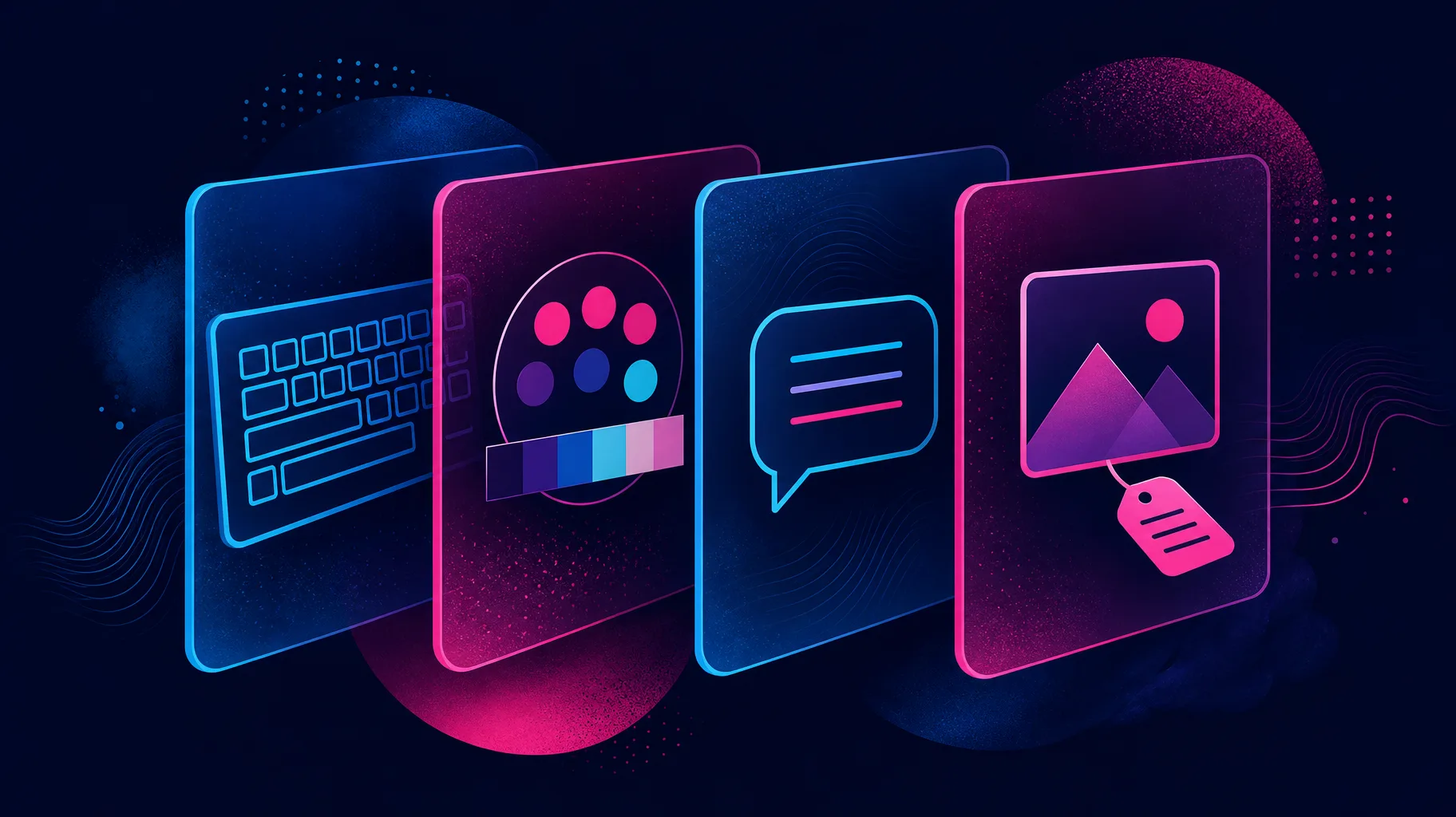
WCAG 2.2 AA is organised around four principles: content must be perceivable, operable, understandable and robust. In the context of corporate eLearning, this translates into a set of concrete design requirements that go well beyond adding captions to video.
Key considerations for accessible eLearning design include:
- Colour contrast: text and interactive elements must meet minimum contrast ratios so that learners with low vision or colour blindness can read and navigate content
- Keyboard navigation: every interaction, including drag-and-drop activities and scenario branches, must be operable without a mouse
- Text alternatives: images, icons and diagrams must carry meaningful alt text; decorative images should be marked as such
- Captions and transcripts: all audio and video content requires accurate captions; transcripts should be available for audio-only content
- Focus indicators: learners navigating by keyboard must always be able to see which element is currently active - a requirement strengthened in WCAG 2.2
- Consistent navigation: menus, buttons and course structure should behave predictably across modules
- Readable language: plain language and clear headings help learners with cognitive disabilities and benefit everyone
Many off-the-shelf eLearning tools claim accessibility support, but the authoring tool's capability and the content creator's choices are two different things. A course built in an accessible tool can still fail WCAG 2.2 AA if the designer has not applied the criteria at the content level.
Auditing your existing eLearning library
Before commissioning new content, it is worth understanding the accessibility status of what you already have. A structured audit should cover:
- Inventory your modules: list every active course, its authoring tool and its delivery format (SCORM, xAPI, HTML5)
- Test against WCAG 2.2 AA criteria: use a combination of automated scanning and manual review, including keyboard-only navigation and screen reader testing
- Prioritise by risk: mandatory compliance training and onboarding content used by all employees carry the highest legal exposure and should be remediated first
- Check your LMS: the learning management system itself must also meet accessibility standards, not just the content it delivers
- Document your findings: a written record of known issues and your remediation plan demonstrates good faith and supports any reasonable adjustment defence
For organisations with large legacy libraries, full remediation may not be immediately feasible. Prioritisation and a clear improvement roadmap are more defensible than inaction.
Alistair's take
The regulatory picture in 2026 is not ambiguous. WCAG 2.2 AA is the enforced standard for public sector digital content, and the Equality Act creates a genuine duty for private employers to ensure disabled employees can access training on equal terms. What is still missing in many organisations is the connection between those legal obligations and the eLearning commissioning process.
At Neon, we have supported more than 40 clients across sectors and built more than 50 training modules. Accessibility is not a feature we add at the end - it is a design consideration from the first conversation. The organisations that will face the least risk are those that build accessibility criteria into their briefs, their supplier conversations and their content review cycles now, rather than retrofitting it after a complaint or an audit finding.
The good news is that accessible eLearning design and effective learning design are largely the same thing. Clear structure, plain language, meaningful visuals and logical navigation benefit every learner, not just those with disabilities.
Make your eLearning accessible by design
Neon Learning builds custom eLearning that meets WCAG 2.2 AA standards from the ground up, working directly with your L&D and compliance teams to reduce risk and improve the experience for every learner.